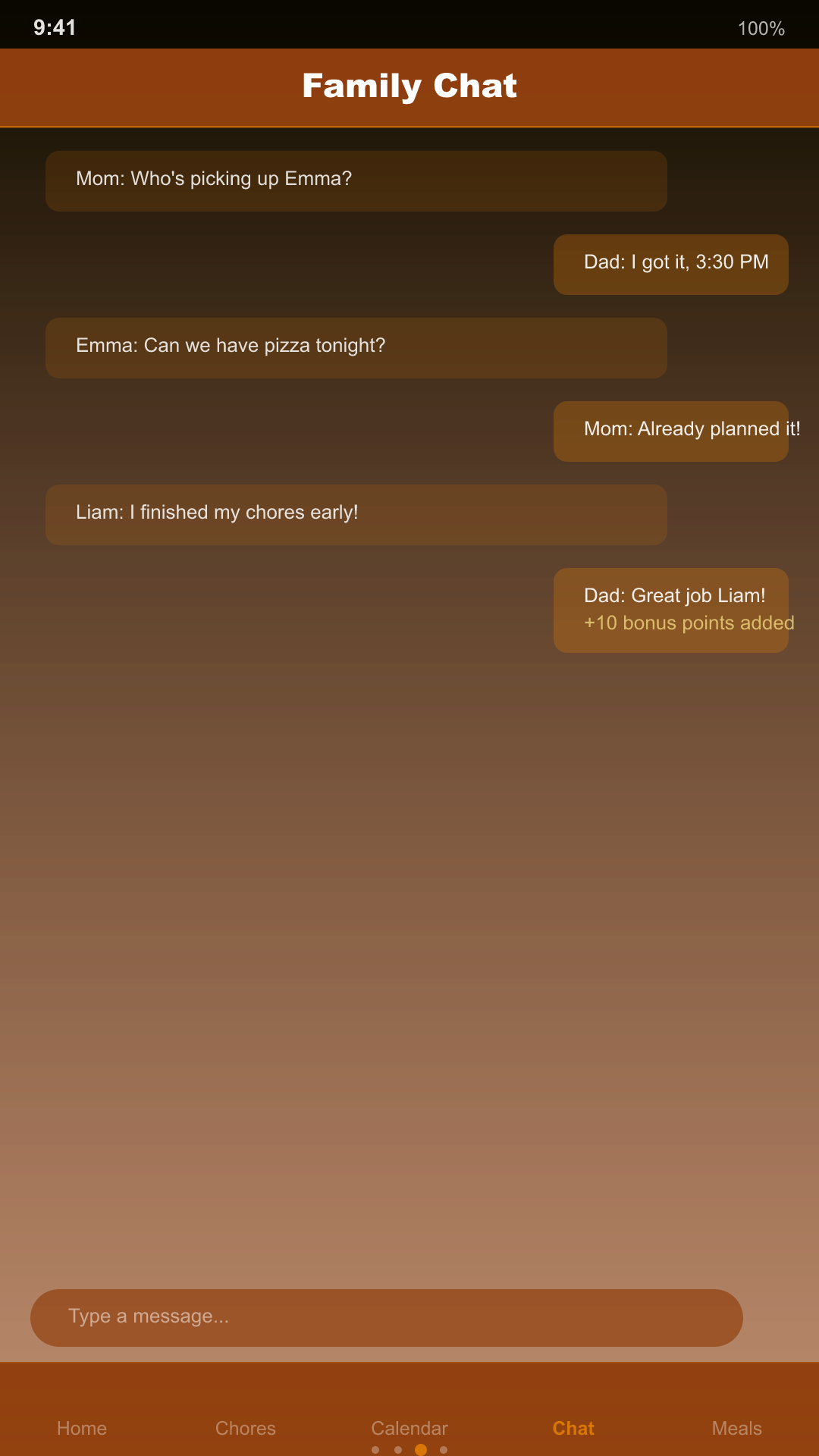
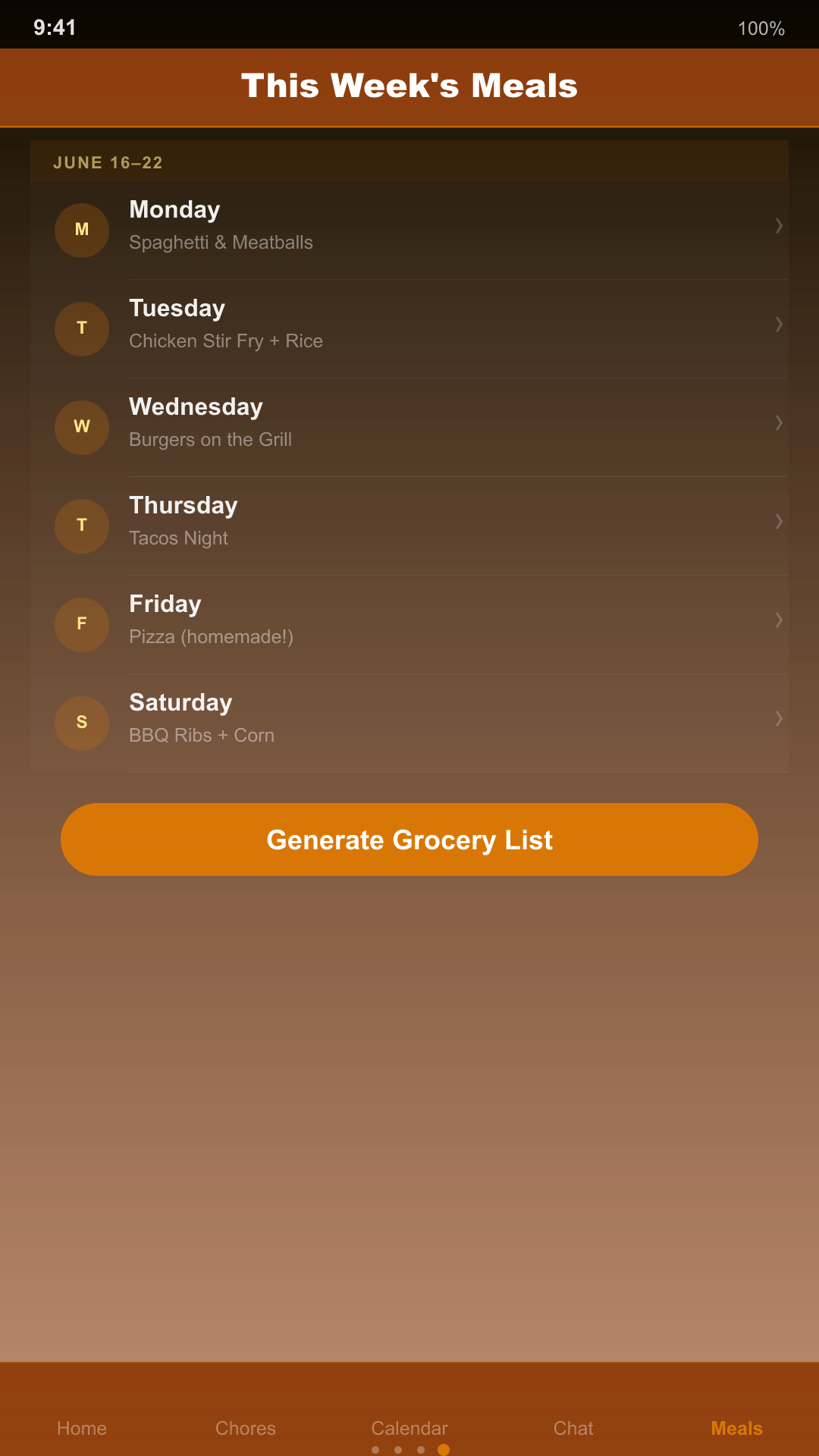
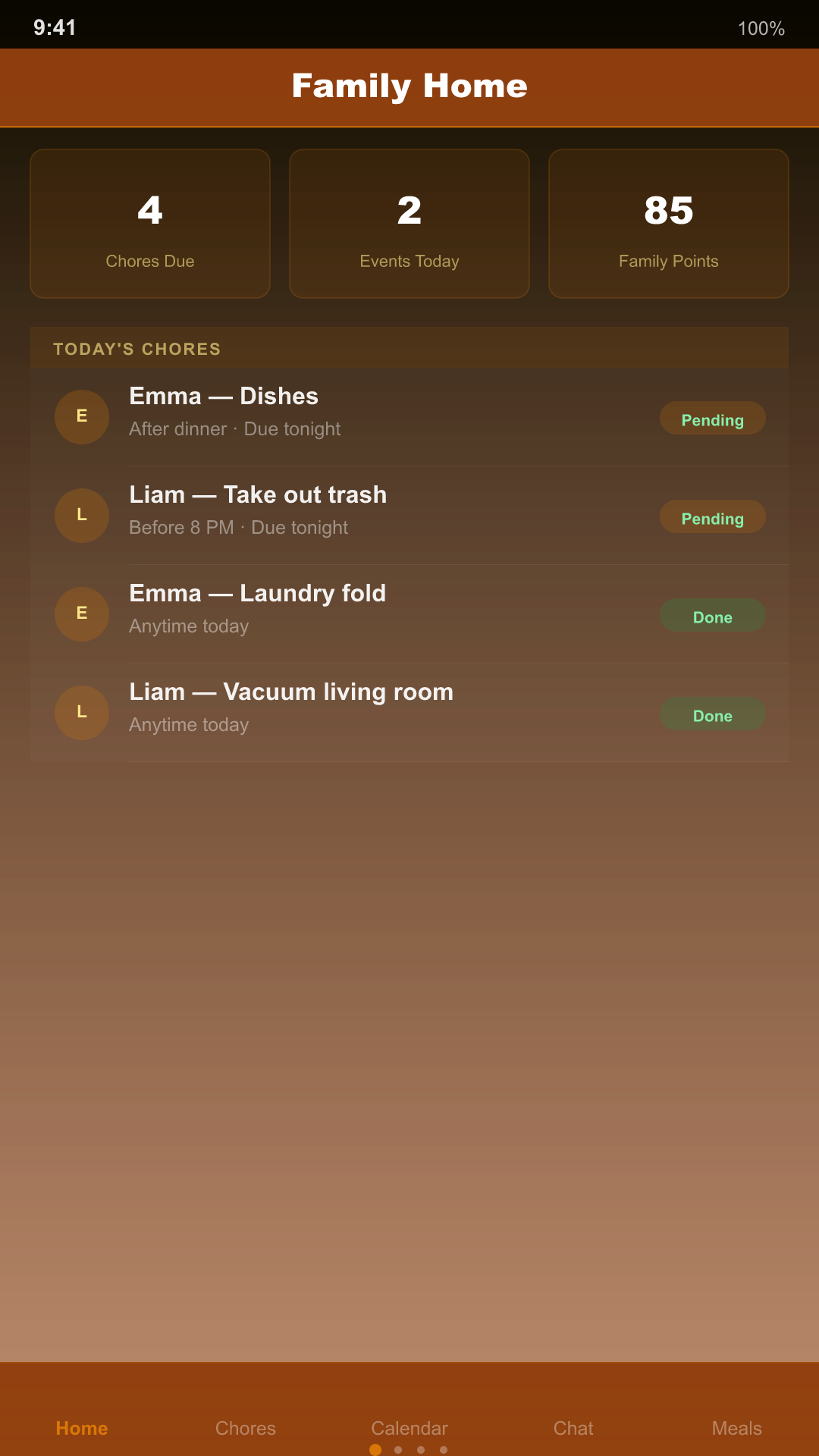
Family Organizer App
One app instead of five group texts and a fridge calendar
FamilyHub puts chores, the family calendar, family chat, check-ins, and meal planning in one shared space — so nothing lives only in one parent’s head.
Requires a free account to create or join a family circle. Content syncs securely across family members via Firebase — see how below.
FAQ
Common questions
Does FamilyHub require an account?
Yes. Because chores, the calendar, chat, and meal plans are shared across your family, FamilyHub uses a secure account (email/password or Google/Apple sign-in) so your family circle’s content stays private to your family.
Is there a free version?
Yes. The free plan supports up to 6 family members, 10 active chores, the current month of the calendar, your last 50 chat messages, and 3 check-ins per day. Meal planning, the allowance tracker, and unlimited history are Family Plan (Pro) features.
How is our family’s data protected?
Your family circle’s data is stored in Firebase (Firestore and Firebase Storage), protected by Firebase Security Rules so only authenticated members of your specific family circle can read or write it.
Can kids use FamilyHub too?
Yes — kids are added as family members and can check off their own chores and see the shared calendar and meal plan, all within the family circle a parent creates.